
Welcome to the Life of Sound
Thank you for choosing the ELAC Miracord 40.
Product registration and owner support.
OWNER RESOURCES
Welcome to your Miracord 40.
We hope your new turntable brings you closer to the music you love. Use the resources below to register your product and access owner support.
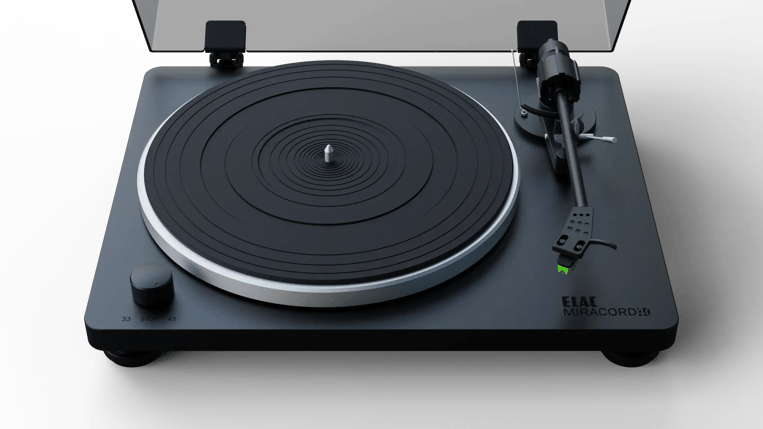
Register Your Miracord 40
Create or sign in to your ELAC customer account to register your turntable and keep your product information together.
Before Your First Record
Complete the turntable and tonearm setup before playing your first record. If you need help with assembly, balancing the tonearm or connecting your system, contact ELAC support.
Read the Miracord 40 setup guide →
Download the Miracord 40 Quick Start Guide (English PDF)
Download the Miracord 40 Owner Manual (English PDF)
Connect to Your System
LINE / AUX input: Set PHONO EQ to ON to use the built-in moving magnet phono preamp.
MM PHONO input or external phono preamp: Set PHONO EQ to THRU to bypass the built-in phono preamp.