
-
Power on the speaker.
-
The blue LED will begin flashing.
-
-
If the speaker was paired before:
-
It will automatically reconnect.
-
The blue LED will stop flashing once connected.
-
-
If the speaker was not paired before:
-
It will stay in pairing mode.
-
The blue LED will continue flashing.
-
-
To manually enter pairing mode (You want to pair with a different device):
-
Press and hold the Bluetooth (BT) button.
-
The current connection will disconnect.
-
The blue LED will begin flashing, indicating pairing mode.
-
-
Open Bluetooth settings on your device and select the speaker from the list.
-
Look for “ELAC NAVA100” or “ELAC/Adsum NAVA100”
-
Clearing Pairing (if needed)
-
On your phone or device, go to Bluetooth settings.
-
Select NAVA 100 and choose Forget / Remove Device.
-
The speaker can now be paired again.
Watch the pairing video
Follow this short demonstration and pause whenever you need more time. The written instructions above cover the same steps.
Pairing at a glance
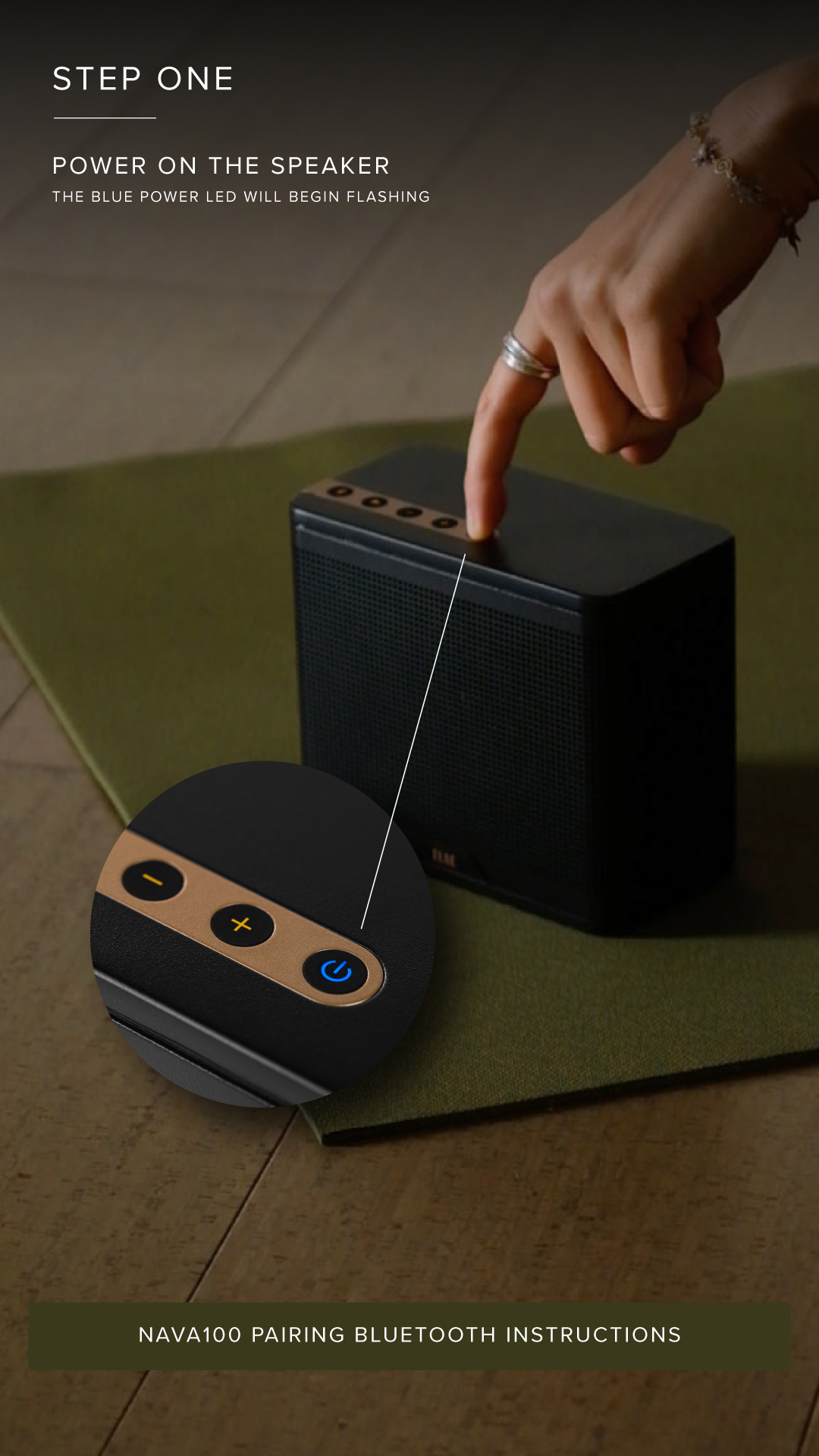
1. Power on your NAVA100
The blue LED flashes while the speaker is in pairing mode. A previously paired device may reconnect automatically.
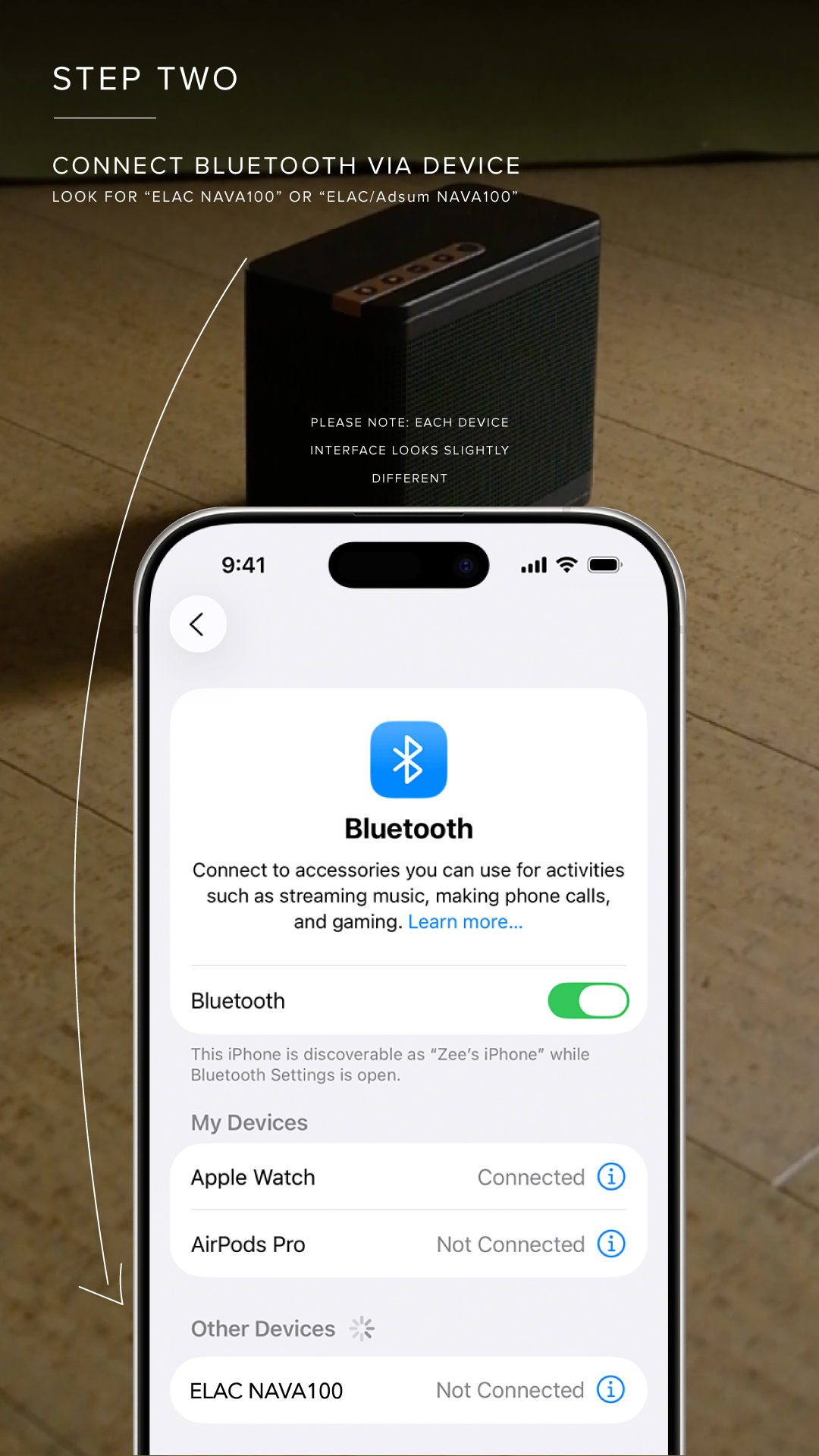
2. Select the speaker on your device
Open Bluetooth settings and select "ELAC NAVA100" or "ELAC/Adsum NAVA100." Your device's screen may look different.